Looks
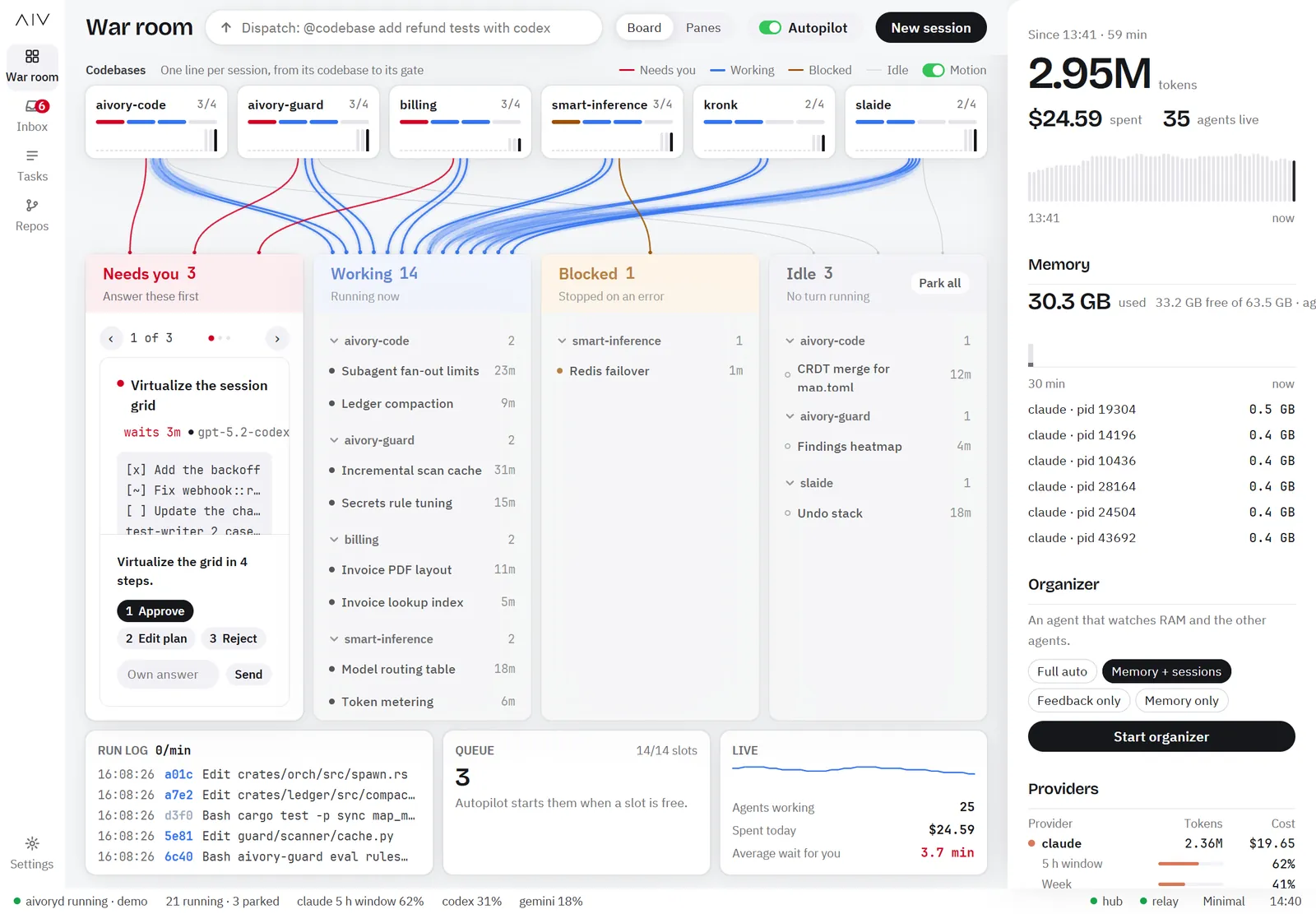
A look changes the whole screen: colors, fonts and the layout of each screen. All looks show the same data and offer the same actions. AIVory Code ships with several looks. Minimal is the default.
- Switch in Settings > Display
- Minimal is the calm default look, with a light and a dark theme
- Your own look is a theme: a folder of plain data files with no code
Switch the Look
- Open Settings in the rail.
- Open the section Display.
- Select a look in the row Look.
The look redraws every screen. The status bar also shows the look. You can always go back to Minimal.
Use a Theme That You Installed
A theme from GitHub or from your own folder shows in the block Themes of the section Display. Press Use next to a theme to turn it on. To add a theme, see Publish and Install Themes.
Make Your Own Look
A theme sets the tokens (colors, fonts, sizes) and the layout of each screen. Start with Make a Theme. The Theme Reference lists every field.